
Subscriber Hub
How do I...?
To log in to your Patron Portal, click the link above or navigate to the drop-down menu on the upper right-hand corner of our website. Click “Subscriber Portal” and log in with your username and password.
In order to activate your Patron Portal, please email info@buckscountyplayhouse.org.
Once the Box Office processes your request, you will receive a Welcome email that will provide instructions on how to log in to your Patron Portal
Request exchanges 24/7 by using our Exchange Request Form, located above or in your Patron Portal.
Tickets exchanges may also be requested through email info@buckscountyplayhouse.org or by calling the Box Office (215) 862-2121.
You can purchase additional tickets through your Patron Portal. Once logged in, your subscriber discount will be applied automatically.
You may also call the Box Office to purchase discounted tickets over the phone.
To receive discounts at Playhouse Plus Partners, please present your Playhouse Plus digital membership card at the time of purchase.
Membership cards are emailed to you when you purchase or renew your subscriptions. If you didn’t receive it or have lost track of it, please contact the Box Office for a reissue.
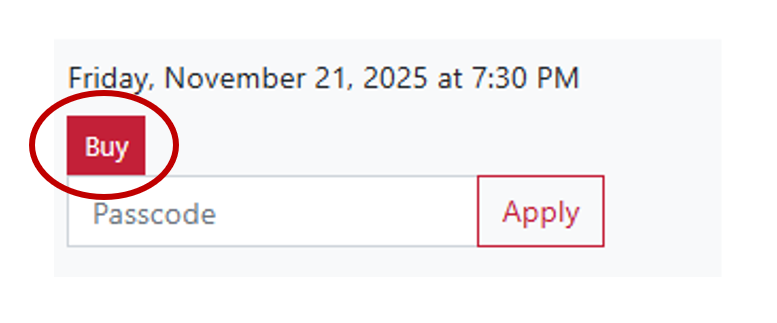
You can gain immediate access to valet parking presales by logging into your Patron Portal. Once logged in, you can bypass the “Passcode” field and simply click “Buy” on the date you wish to purchase.
You can also call the Box Office to book over the phone.